> ## Documentation Index
> Fetch the complete documentation index at: https://docs-staging-actions-triggers-prototype.mintlify.site/llms.txt
> Use this file to discover all available pages before exploring further.
> Learn how to configure your WhatsApp flow actions to send messages.
# WhatsApp
## Configure your WhatsApp Vault Connection
Learn how to configure a Vault Connection for your WhatsApp Flow Actions at [WhatsApp Vault Connection](/docs/customize/forms/vaults/whatsapp).
## Send message
Sends a message.
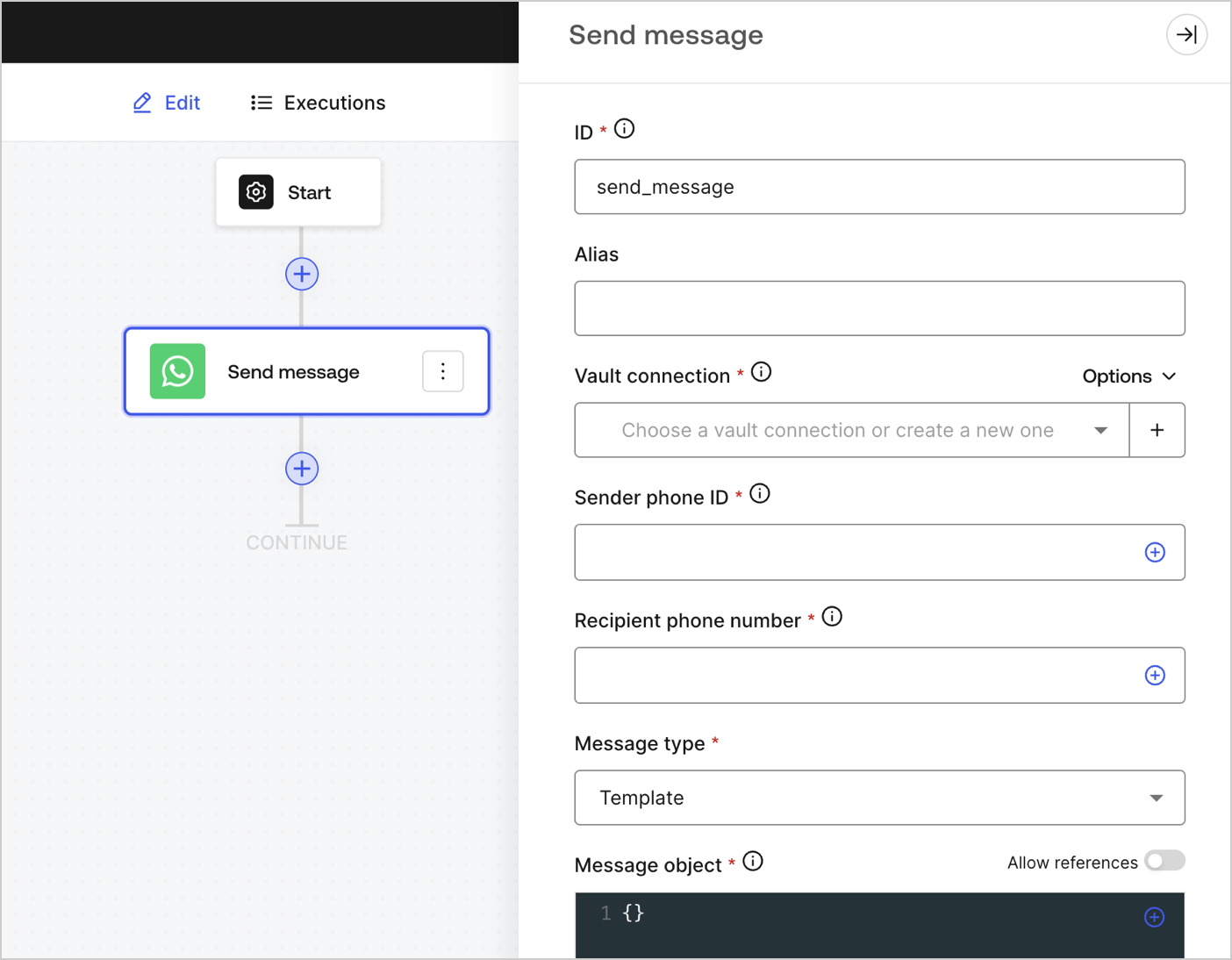 ### Input settings
| Parameter | Description |
| --------------------------------- | --------------------------------------------------------------------------------------------------------------------------------------------------------------------------------------------------------------------------------- |
| Sender phone ID (required) | The sender phone ID can be found in the [Facebook Business Manager WhatsAPP settings](https://developers.facebook.com/apps). Note that it is not a phone number. |
| Recipient phone number (required) | The recipients' phone number in [E.164 format](https://en.wikipedia.org/wiki/E.164). |
| Message type (required) | Select from the dropdown menu the message type. They can be:
### Input settings
| Parameter | Description |
| --------------------------------- | --------------------------------------------------------------------------------------------------------------------------------------------------------------------------------------------------------------------------------- |
| Sender phone ID (required) | The sender phone ID can be found in the [Facebook Business Manager WhatsAPP settings](https://developers.facebook.com/apps). Note that it is not a phone number. |
| Recipient phone number (required) | The recipients' phone number in [E.164 format](https://en.wikipedia.org/wiki/E.164). |
| Message type (required) | Select from the dropdown menu the message type. They can be: - Audio
- Contacts
- Document
- Image
- Interactive
- Location
- Sticker
- Template
- Text
|
| Message object (required) | The content of the message object will differ based on the selected message type. To learn more, read [Messages](https://developers.facebook.com/docs/whatsapp/cloud-api/reference/messages). |
### Output object
You can find all expected status codes at [Facebook's documentation](https://developers.facebook.com/docs/whatsapp/cloud-api/support/error-codes).